




















Your data is protected.
AI only reaches what you allow. GenOS signs people in through your identity provider, checks every permission and keeps your data in the cloud you choose.


GenOS is the platform under every solution we build. It connects your knowledge and systems, runs your agents and workflows, and shows you how each one performs after go-live.





































AI only reaches what you allow. GenOS signs people in through your identity provider, checks every permission and keeps your data in the cloud you choose.
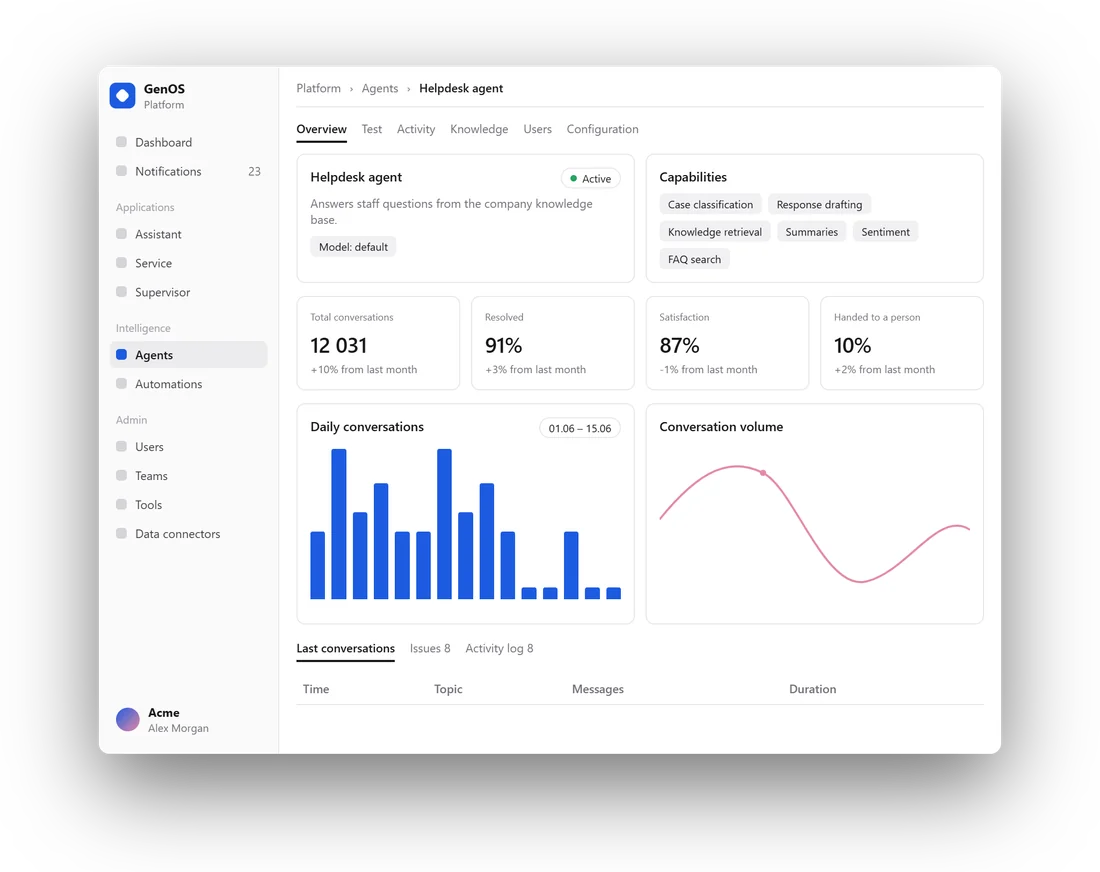
You cannot scale what you cannot see. Every answer, action and model call is on the record, and analytics show what works and what fails.
Agents act on their own only where you allow it. Approvals, exceptions and anything unusual go to a person first, and every correction makes the agent better.
Go-live is the start. Tests, expert reviews and issues turn each mistake into a fix, so quality rises with use.
Control layerE EmployeeC CustomerW WorkflowThe groundwork is done. Your first agent goes live on a platform that is ready for production.
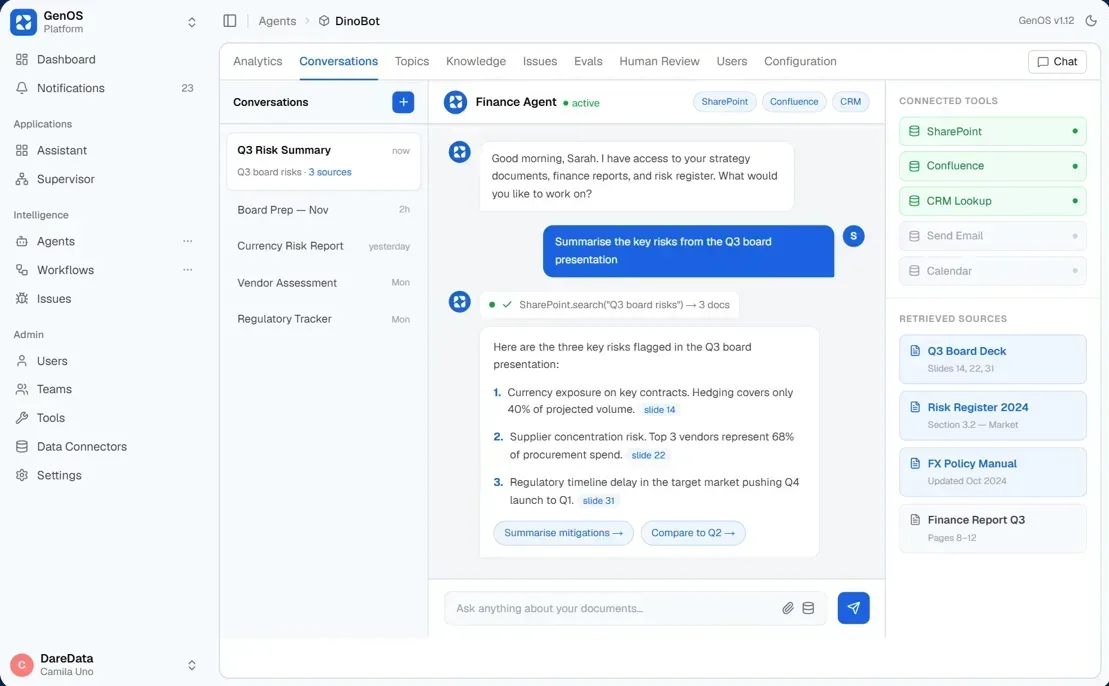
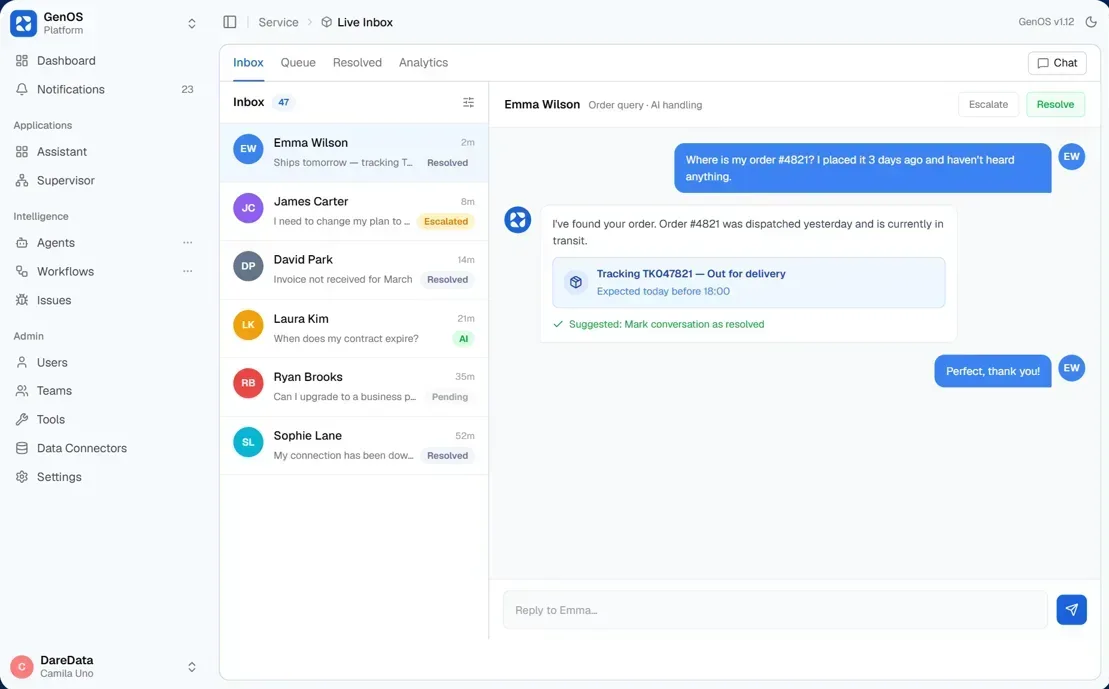
One assistant for the whole company, with an agent for each team. It answers from your own documents, links every source and uses your tools.
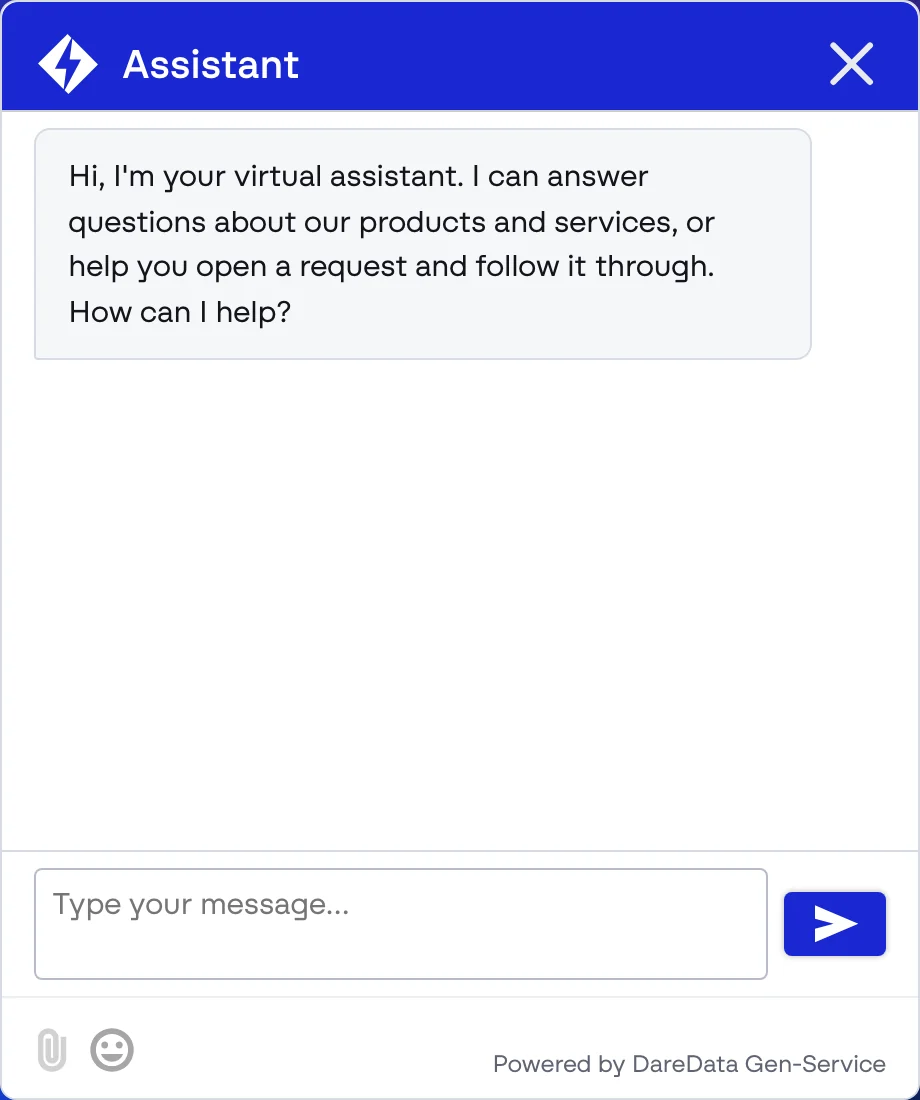
An agent that answers your customers on your own channels. It hands the conversation to a person when it needs to.
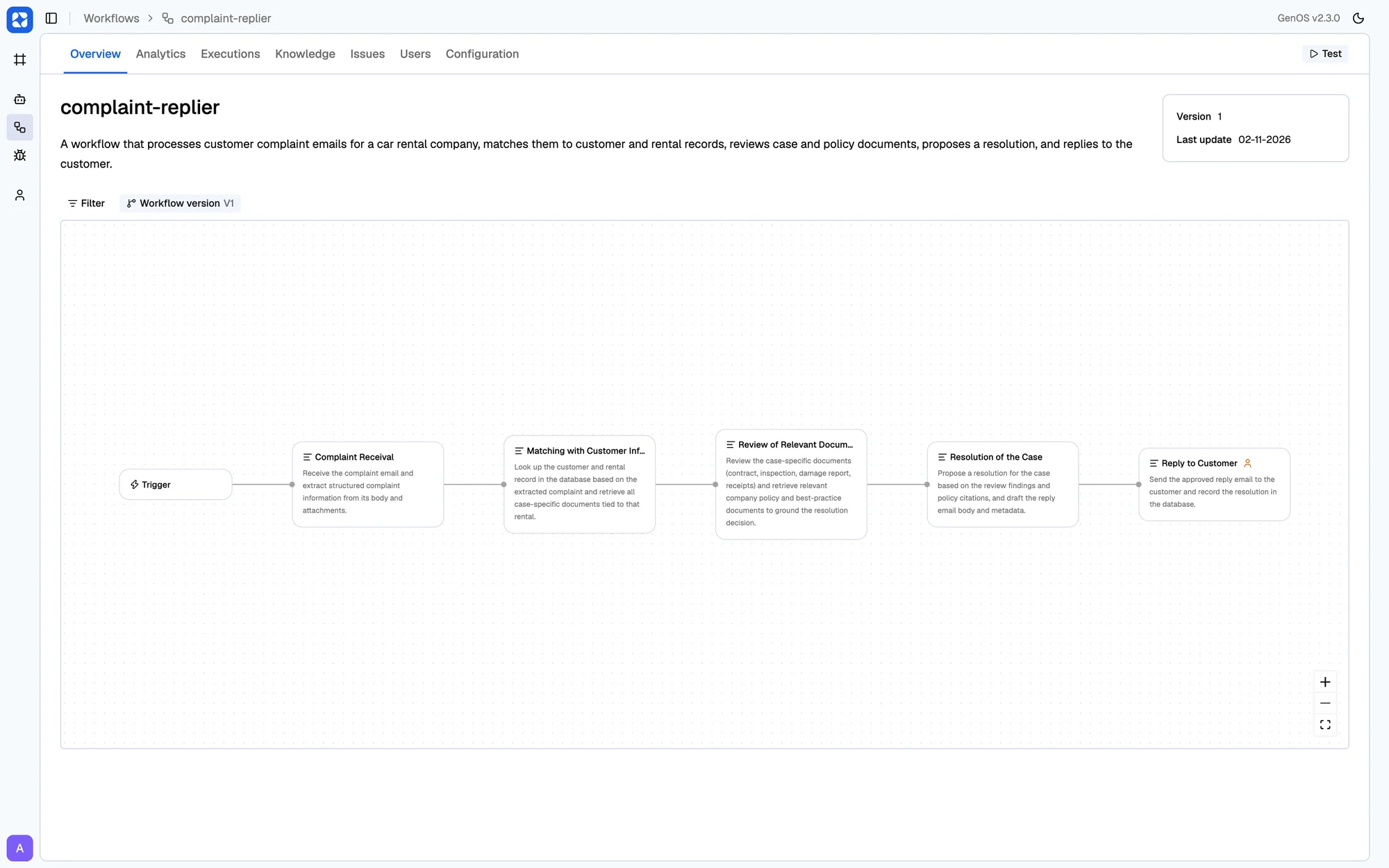
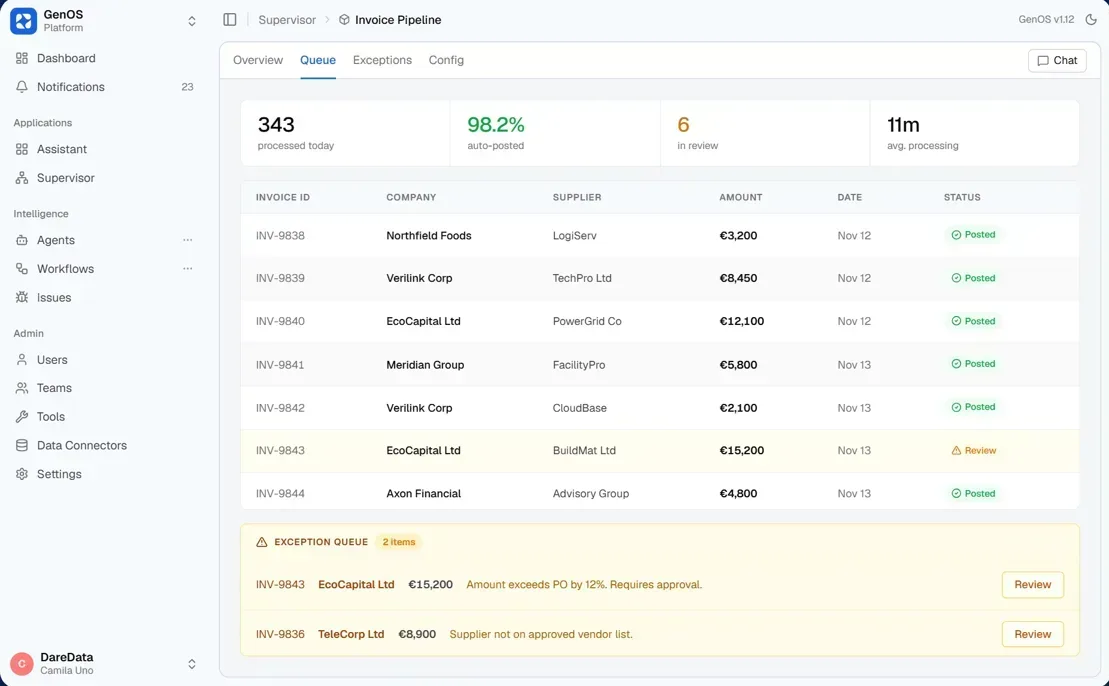
Workflows that process documents and cases at volume. Most run end to end. Your operators handle the exceptions.
Agents answer from your documents where they live, and keep each person's access rights.
 SharePoint
 Google Drive
 Notion
 Confluence
 Dropbox
Agents act in the systems your teams use, under the tool policy you set for each one.
 Gmail
 Google Calendar
 Microsoft 365
 SAP
 Salesforce
Any MCP or API If a connector does not exist yet, our engineers build it for you.
GenOS is not one product with fixed screens. It is a set of modules we put together for each client, so one company can run several interfaces, each with its own agents, all on one control plane.
 Forward-deployed engineers
They learn the process first, then build your agents and workflows on GenOS.
 Platform
Governance, knowledge and monitoring are already in place, so each new use case goes live faster than the last.
 Your teams
They use the tools every day, review the results and decide where AI acts on its own.
In our cloud, in your own cloud account or on your servers. Your data stays inside the perimeter you choose.
GenOS works with models from several providers, including Claude, GPT, Gemini, Mistral and Llama. We choose the model for each use case with you.
Through your own identity provider, such as Microsoft Entra ID. You set permissions per user and per role.
You set a retention window. After it, GenOS removes conversation content and personal data, and keeps the statistics.
GenOS comes with our forward-deployed engineers. They build your solutions on the platform with your teams, then stay to run and improve them.
Yes. Ask us for a demo and we show GenOS on a use case close to yours.
Bring us one process or one team. We show you how it runs on GenOS, and what it takes to get it into production.